A Quote status trigger can be achieved when a quote is:
- Sent = quote email is sent
- Viewed = quote is viewed online
- Accepted = quote is accepted
- Click and Drag the Quote status trigger onto the canvas
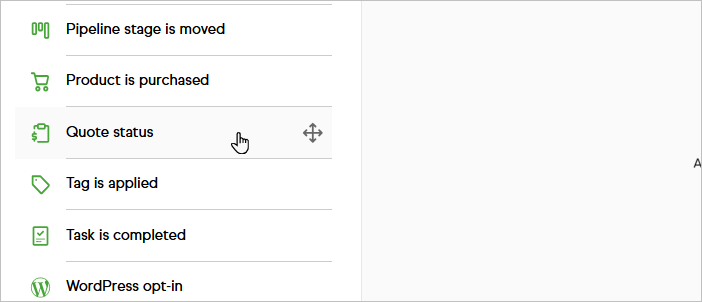
- Select the Quote status
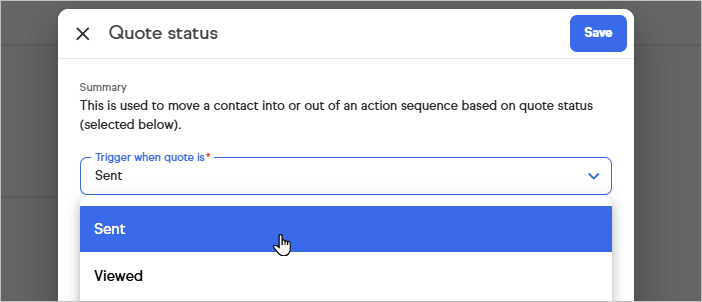
- Click Save
Pro-Tip!
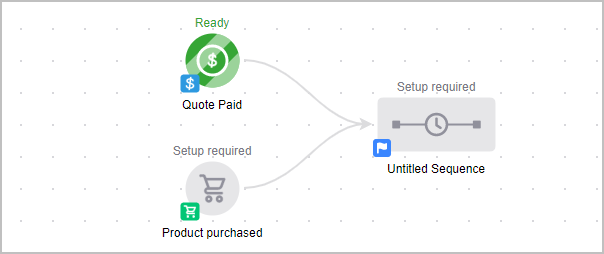
A purchase goal (entry point) can also be triggered if the quote being paid online includes the same product as the purchase goal (specific or any product)